Simulator, beta version
Ads (Google & YouTube type)
Have your students build Google and YouTube campaigns for practice, using the real settings: no budget, no ad account, no risk. They work in the ad manager, and you review the simulated results with them.
What you practice
The same steps as in the real tool
Campaign, ad group, ad
The three structure levels of an ad account, with their settings.
Objectives and campaign types
Search, YouTube and other formats: the objective and campaign type determine the settings that follow.
Keywords and targeting
Keywords, audiences, locations and languages: you choose who the ad is for and which searches it appears on.
Budgets and bidding
Daily budget, bidding strategies and delivery schedule.
Ads and previews
Headlines, descriptions and visuals, with a preview of the ad before publishing.
Fictional results
Impressions, clicks, CPC, CTR, conversions and cost per conversion: fictional figures to practice analyzing them. They do not predict real results.
Simulated results, to practice analysis. They are not forecasts of your real results and do not tell you whether a campaign is well or badly built.
For your courses
Why use it with your students
No spending
Campaigns are fictional: no payment card, no live delivery, no risk for the school.
A class ready with a simple code
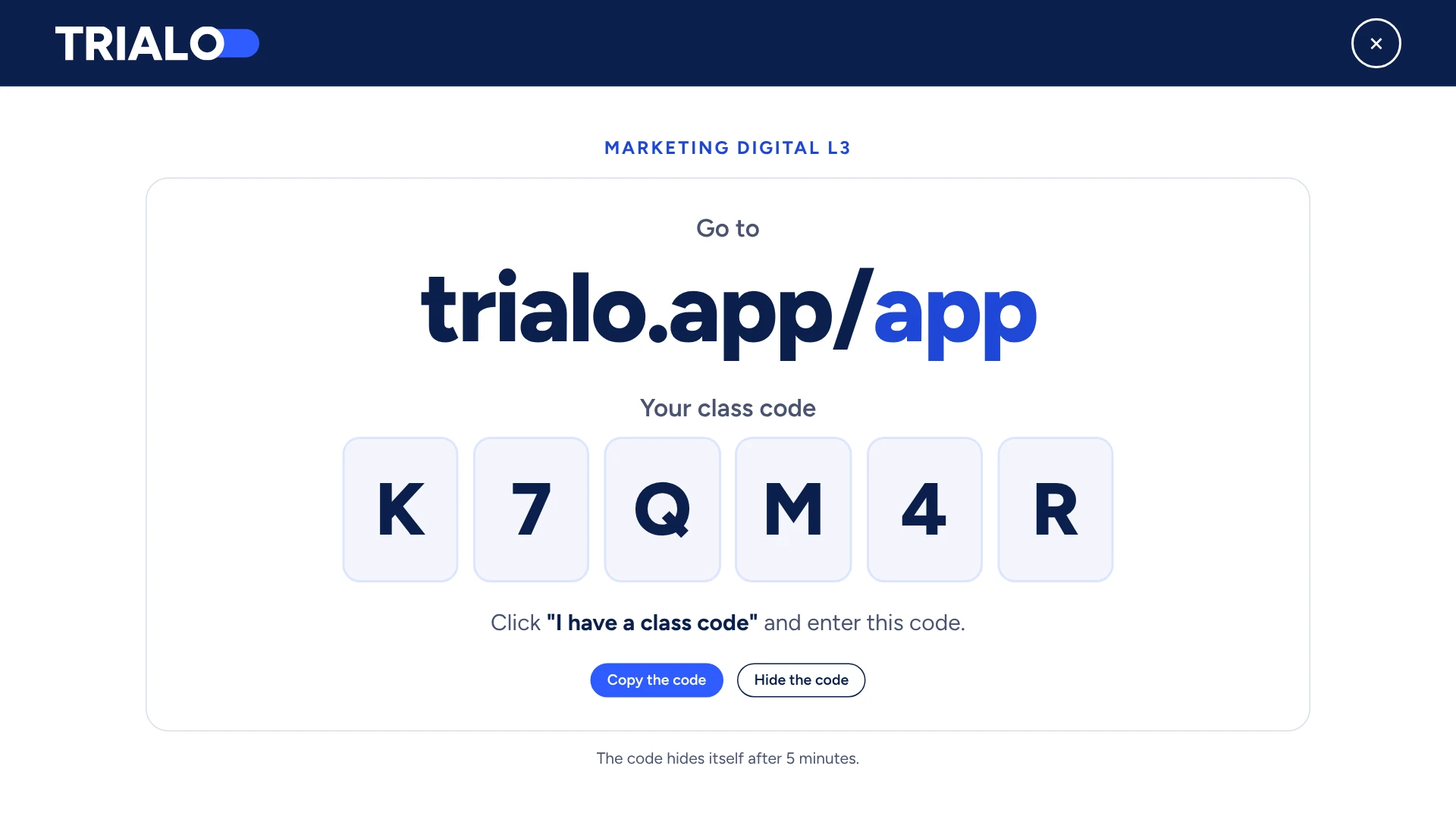
The teacher creates the class and shares a code. Each student enters it with their first and last name: nothing to install, no ad account to open.
Simulated results to read
Impressions, clicks, CPM, CTR, CPA, ROAS: figures based on published benchmarks, to analyze and compare.
Real-world settings, hands-on
Objectives, audiences, placements, budgets, ads: you work with the settings of a real campaign, with step-by-step guides for each platform.
In class or in training
One simple code
For a whole class
- The teacher creates their class.
- A unique code is generated.
- Students create their account in a few seconds.
Available in beta
The Ads simulator (Google & YouTube type) is open in beta: every campaign creation step is there (Search, Performance Max, Demand Gen, Video, Display, Shopping, App), but we improve it every week. Your feedback helps: write to us from the Support button in the simulator. You pick it among the simulators of your subscription, alongside Meta and TikTok.
TRIALO is an independent educational tool: it is not affiliated with, endorsed by or sponsored by Google LLC (including YouTube). Google and YouTube are trademarks of their owner, cited to name the tool TRIALO draws inspiration from.